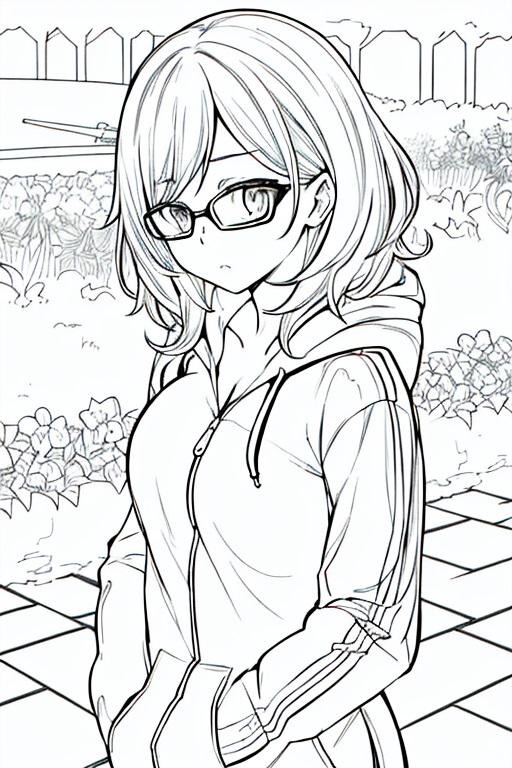




【漫画】効果&線画効果
使用したAI
Stable Diffusion
Step1. 変更したい Prompt データを含む画像を txt2img として PNG Info または Image Browser からインポートします
Step1. Import the image with Prompt data that you want to modify as txt2img through PNG Info or Image Browser
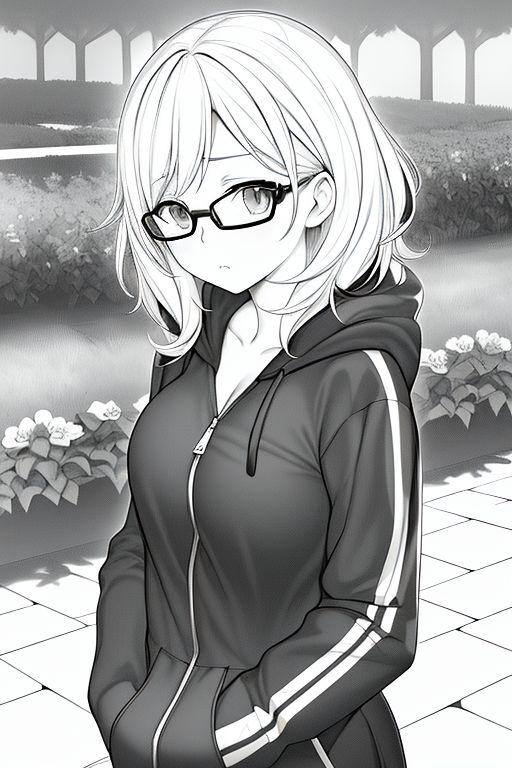
Step2. 読み込んだPromptデータから色付きのPromptを削除し、白黒の線画 Prompt "lineart, monochrome, (black and white:1.5)" を追加する
Step2. Delete the Prompt with color from the imported Prompt data, and add a black and white lineart Prompt "lineart, monochrome, (black and white: 1.5),"
Step3. ControlNet インターフェースを開く
(1)元の絵(カラー絵)を再度インポート
(2) Preprocessor と Model の両方が Canny を選択
(3) 画像のサイズと一致するようにサイズ設定を変更することを忘れないでください
(4) 「Enable」にチェックを忘れずに
Step3. Open the ControlNet interface
(1) Import the original picture (color picture) into it again
(2) Both Preprocessor and Model choose Canny
(3) Remember to modify the size setting to be consistent with the size of the picture
(4) Remember to check Enable
Step4. 目的の効果が現れるまでバッチで画像を生成します
Step4. Produce images in batches until the desired effect appears
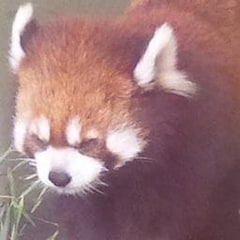
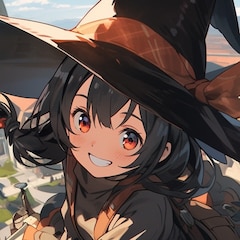
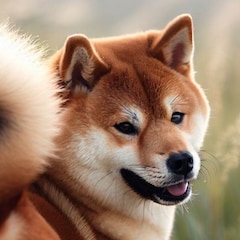
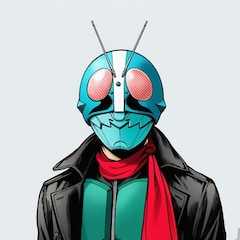
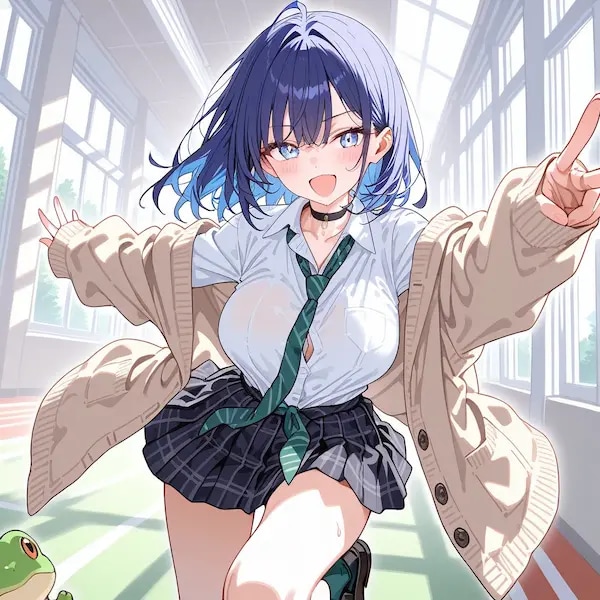
p.1とp.2が結果、p.3が元画像のサンプル
p.1 and p.2 are the results, and p.3 is the sample original image
Model: Anything-v5
Step1. Import the image with Prompt data that you want to modify as txt2img through PNG Info or Image Browser
Step2. 読み込んだPromptデータから色付きのPromptを削除し、白黒の線画 Prompt "lineart, monochrome, (black and white:1.5)" を追加する
Step2. Delete the Prompt with color from the imported Prompt data, and add a black and white lineart Prompt "lineart, monochrome, (black and white: 1.5),"
Step3. ControlNet インターフェースを開く
(1)元の絵(カラー絵)を再度インポート
(2) Preprocessor と Model の両方が Canny を選択
(3) 画像のサイズと一致するようにサイズ設定を変更することを忘れないでください
(4) 「Enable」にチェックを忘れずに
Step3. Open the ControlNet interface
(1) Import the original picture (color picture) into it again
(2) Both Preprocessor and Model choose Canny
(3) Remember to modify the size setting to be consistent with the size of the picture
(4) Remember to check Enable
Step4. 目的の効果が現れるまでバッチで画像を生成します
Step4. Produce images in batches until the desired effect appears
p.1とp.2が結果、p.3が元画像のサンプル
p.1 and p.2 are the results, and p.3 is the sample original image
Model: Anything-v5
呪文
呪文を見るにはログイン・会員登録が必須です。
イラストの呪文(プロンプト)
jacket partially removed, heart in eye, burnt clothes, holding fishing rod, kanji, doujin cover, pentagram, tape gag, adjusting headwear, red socks, friends, cloud print, coke-bottle glasses, oral invitation, competition school swimsuit, barbell piercing, gradient legwear, prisoner, blood on breasts, wind chime, carrying over shoulder, tape measure, flaming weapon
イラストの呪文(ネガティブプロンプト)
jacket partially removed, heart in eye, burnt clothes, holding fishing rod, kanji, doujin cover, pentagram, tape gag, adjusting headwear, red socks, friends, cloud print, coke-bottle glasses, oral invitation, competition school swimsuit, barbell piercing, gradient legwear, prisoner, blood on breasts, wind chime, carrying over shoulder, tape measure, flaming weapon
- Steps 30
- Scale 7
- Seed 2446670699
- Sampler Euler a
- Strength
- Noise
- Steps 30
- Scale 7
- Seed 2446670699
- Sampler Euler a